Cloider notifications and account emails
Cloider tells you about your account in two places: the Notifications page in the dashboard, for announcements, and email, for things that need your attention, such as the end of your trial or a reply to a support request.
At a glance
| Channel | Where | What it's for |
|---|---|---|
| Notifications page | The bell icon in the dashboard's top bar | Announcements: new features, offers, budget warnings |
| The email address of the account, or of the invited person | Trial reminders, suspension, invitations, support replies |
The Notifications page
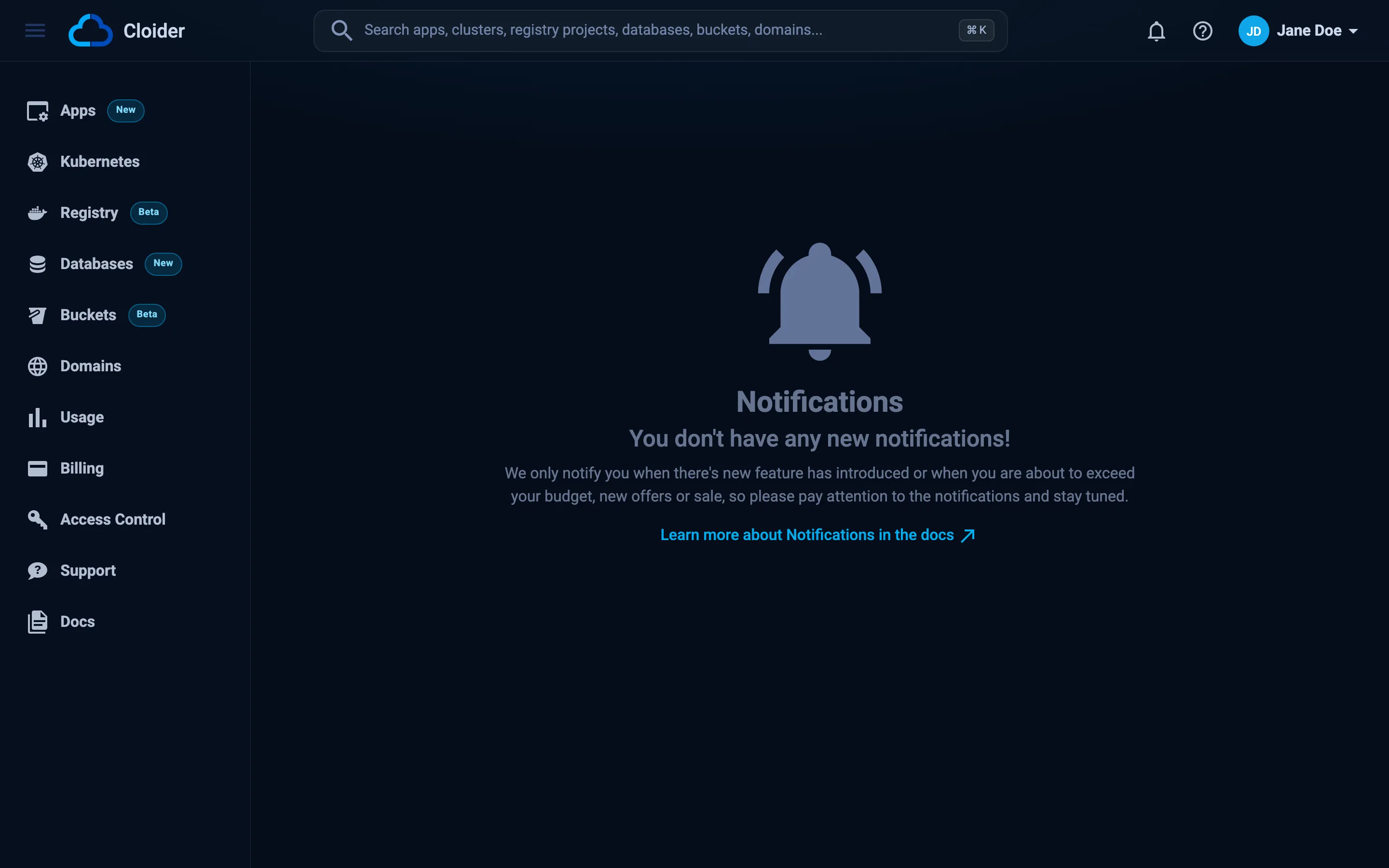
Click the bell icon in the top bar to open Notifications. When there is something new, the bell shows a count. Cloider uses notifications for new features, offers and sales, and warnings when you are about to exceed your budget.
When there is nothing new, the page says You don't have any new notifications!.
Emails Cloider sends
| Email subject | Sent to | When |
|---|---|---|
| Action Required: Upgrade to a Paid Plan with Cloider | The account Owner | On days 4, 7, 10, 12, 13 and 14 of the free trial, with the trial end date |
| ACTION REQUIRED! Your Trial Ends Today | The account Owner | On the trial end date. It warns that the account is suspended and its resources deleted 24 hours later unless it is upgraded |
| Your Cloider account has been suspended | The account Owner | The day after the trial ends, when the account is suspended and its resources are deleted |
| Invitation to Access a Cloider Account | The invited email address | When an Owner or Admin invites someone. It names the account and asks the person to sign in with that email address |
Re: [#<request id>]: <subject> | The account's email address | When the Cloider support team replies to a support request. The email links to the request in the dashboard |
The trial emails stop once the account is on the paid plan. Emails from the support team can be answered from the dashboard: see Support.
Replies from the support team are emailed to the account's own address, the Owner's, even when a member opened the request. Members can follow every request of the account on the Support page.
Make sure you receive Cloider emails
- The account's email address is the one its Owner signs in with (for GitHub, the primary verified address). It can't be changed in Cloider.
- Add Cloider to your contacts or allow list so reminders don't land in spam.
- For a team account, sign up with a shared address the team reads (for example
ops@acme.com), so trial reminders and support replies reach everyone who needs them.
Next steps
- Create an account: the trial timeline.
- Support: open and follow support requests.
- Usage: watch your costs.
Frequently asked questions
Where are notifications in the Cloider dashboard?
Click the bell icon in the top bar. It opens the Notifications page and shows a count when there is something new.
Which emails does Cloider send?
Trial reminders and the trial end notice, the account suspension notice, member invitations, and replies from the support team.
Who receives support reply emails?
The account's own email address, which is the Owner's, even if a member opened the request. Every member can read the conversation on the Support page.
Can I change the email address Cloider sends to?
No. The account's email address is the one its Owner signs in with through Google or GitHub.