Pause and resume a Kubernetes cluster
Pausing a Cloider cluster stops everything that runs in it, its control plane and all its pods, while keeping its configuration and data. A paused cluster accrues no compute charges; only its volumes (and any load balancer that still holds an IP) are billed. When you resume it, the control plane starts again and your workloads come back as they were. Pausing is ideal for development, staging and demo clusters that are only needed part of the time.
At a glance
Running (Ready) | Paused (Paused) | |
|---|---|---|
| Control plane | Running | Stopped |
| Pods | Running | Stopped |
| Kubernetes objects (Deployments, Services, ConfigMaps, Secrets, ...) | Kept | Kept |
| PersistentVolumeClaims and their data | Kept | Kept |
Container filesystems and emptyDir volumes | Kept while the pod runs | Lost |
kubectl, kubeconfig, browser terminal, exec | Available | Unavailable |
| Domain targets | Serve traffic | Don't answer, since no pods run |
| Compute billing | Yes | No |
| Volume billing | Yes | Yes |
| Load balancer billing | While the Service has an external IP | While the Service has an external IP |
What happens when you pause a cluster?
- The cluster's status changes to
Pausing. - Cloider stops the cluster's control plane and removes its running pods.
- The status changes to
Paused.
Everything you created through the Kubernetes API stays stored with the cluster: namespaces, Deployments, StatefulSets, Services, ConfigMaps, Secrets, RBAC rules and custom resources. PersistentVolumeClaims and the data on them are kept too. What is lost is anything that only lived inside a running container: files written to the container's own filesystem and to emptyDir volumes, and in-memory state.
What happens when you resume it?
- The status changes to
Starting. - Cloider starts the control plane, then waits for the cluster DNS and the terminal to be ready.
- The status changes to
Ready, and your workloads' pods start again. They mount their PersistentVolumeClaims with the data they had.
Containers start fresh, as after a node restart, so applications should cope with starting from scratch: run migrations idempotently, reconnect to databases and rebuild caches.
Pause a cluster
- Dashboard
- CLI
- Terraform
- API
- MCP
- Open Kubernetes in the sidebar.
- Click the actions button (the three dots) on the cluster's row and choose Pause. It is enabled only while the cluster is Ready.
- The Pause Cluster dialog asks you to confirm. Click Pause cluster.
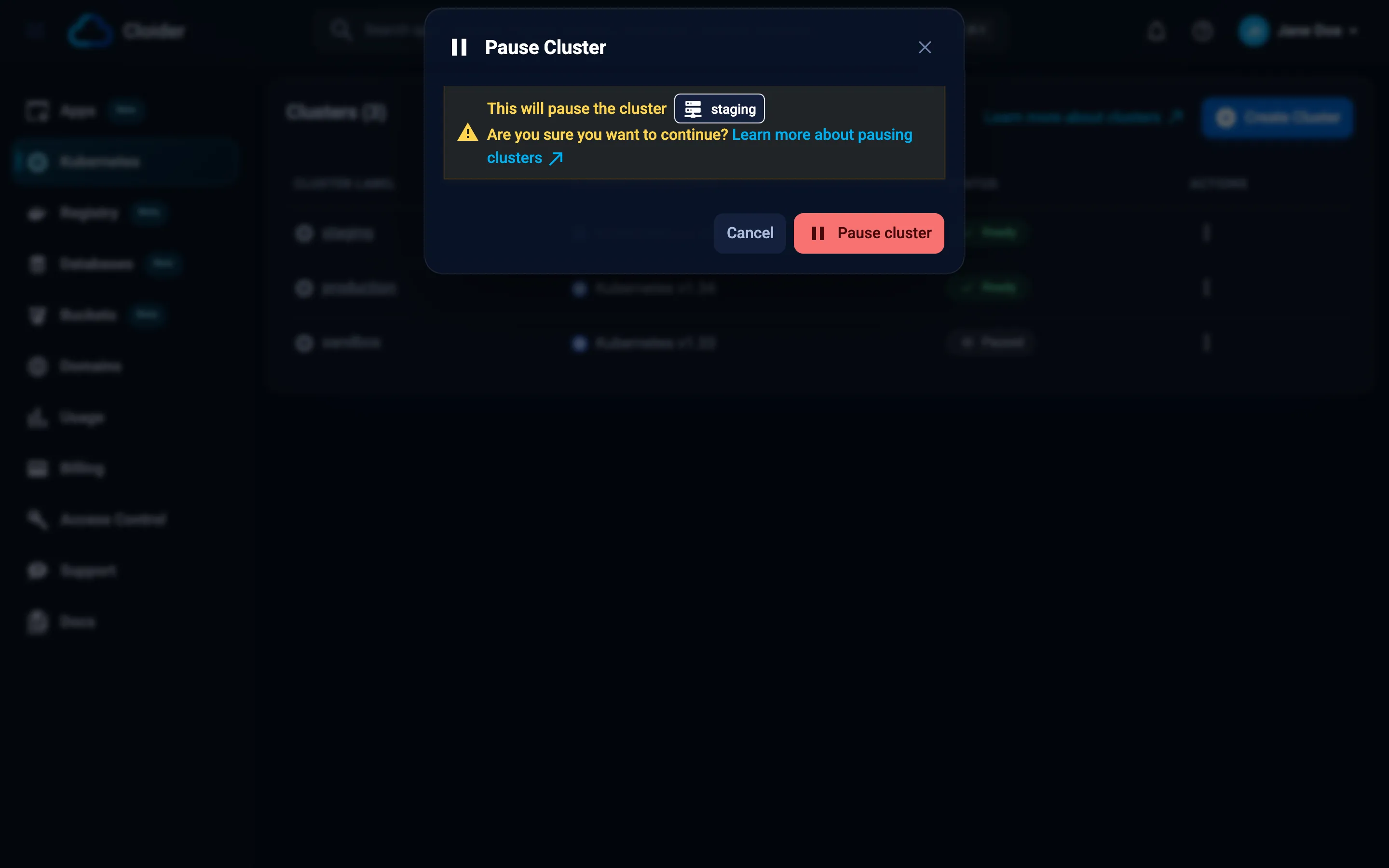
The cluster's status changes to Pausing, then Paused.
cloider cluster pause staging --wait
✓ Pausing cluster staging
⠋ Waiting for cluster staging
✓ Cluster staging is Paused
Without --wait, the command returns once pausing has started. --timeout (default 15m) sets how long --wait waits.
Set paused on the cluster and apply:
variable "staging_paused" {
  description = "Pauses the staging cluster, which keeps its state and isn't billed for compute."
  type        = bool
  default     = false
}

resource "cloider_cluster" "staging" {
  name   = "staging"
  paused = var.staging_paused
}
terraform apply -var staging_paused=true
Terraform waits for the pause or the resume to finish, up to 20 minutes by default (the update timeout).
curl -X POST https://cloider.com/api/clusters/x8f2kq/pause \
  -H "Authorization: Bearer $CLOIDER_TOKEN"
The response is the account's cluster list, with this cluster now Pausing:
[
  {
    "hashed_id": "x8f2kq",
    "cluster_name": "staging",
    "cluster_label": "staging",
    "cluster_version": "1.34",
    "is_ha": false,
    "status": "Pausing",
    "created_at": "2026-10-19T09:41:07Z"
  }
]
Poll GET /api/clusters/x8f2kq/status until it answers Paused.
Ask your agent:
Pause the staging cluster.
It calls the pause_cluster tool:
{"cluster": "staging", "wait": true}
Resume a cluster
- Dashboard
- CLI
- Terraform
- API
- MCP
- Open Kubernetes in the sidebar.
- Click the actions button on the paused cluster's row and choose Resume.
- In the Resume Cluster dialog, click Resume cluster.
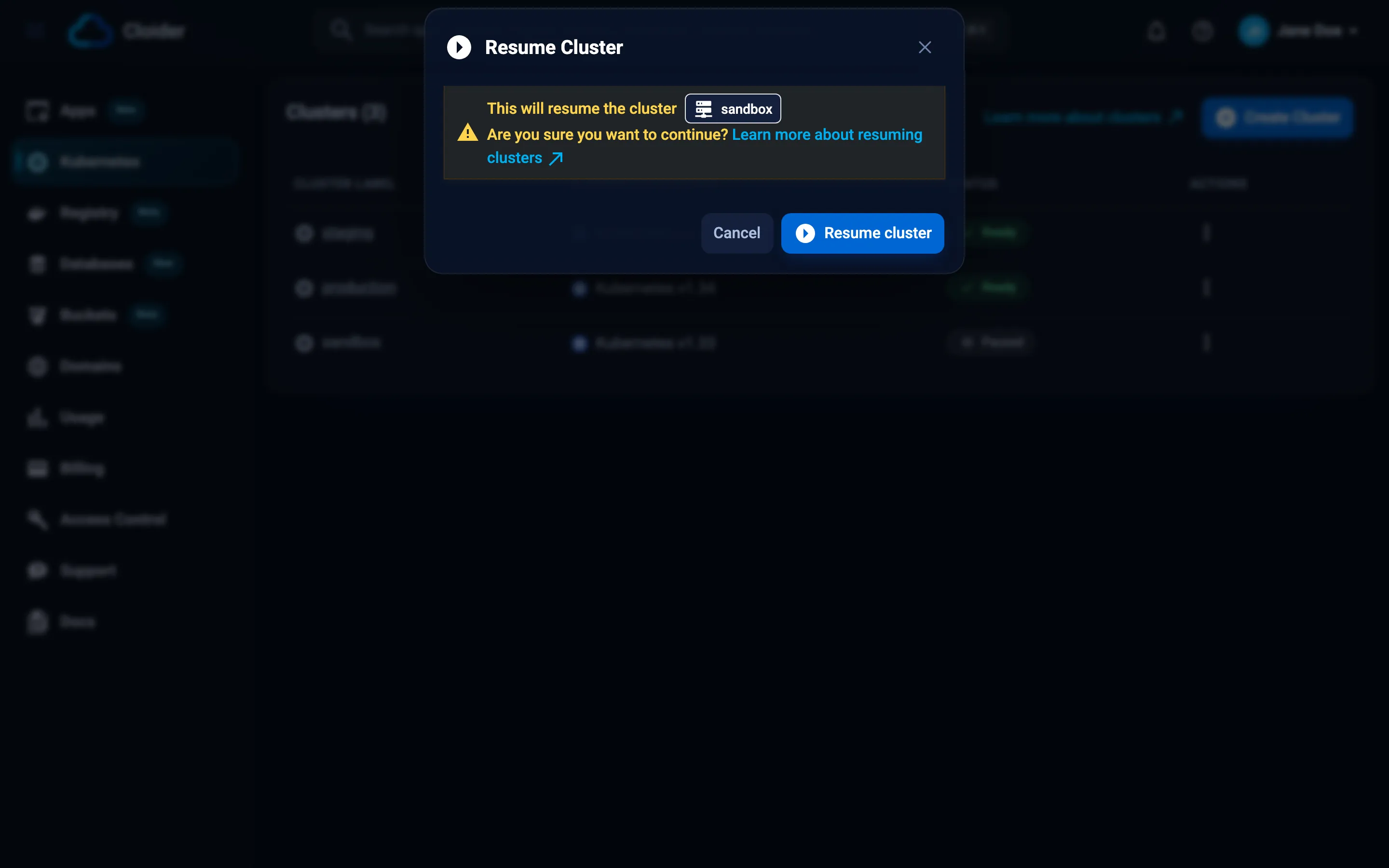
The status changes to Starting, then Ready. The cluster name becomes a link to its terminal again.
cloider cluster resume staging --wait
✓ Resuming cluster staging
⠋ Waiting for cluster staging
✓ Cluster staging is Ready
terraform apply -var staging_paused=false
curl -X POST https://cloider.com/api/clusters/x8f2kq/resume \
  -H "Authorization: Bearer $CLOIDER_TOKEN"
The response is the cluster list, with this cluster Starting. Poll GET /api/clusters/x8f2kq/status until it answers Ready.
Ask your agent:
Resume the staging cluster and tell me when it is ready.
It calls the resume_cluster tool:
{"cluster": "staging", "wait": true}
Verify
After resuming, check that your workloads are back:
kubectl get pods -A
kubectl get pvc -A
Pods should be Running again, and claims Bound to the same volumes as before.
How much does a paused cluster cost?
A paused cluster runs no pods, so its compute meter is zero for as long as it is paused. You keep paying for:
- Volumes, per GiB of provisioned capacity, because their data is kept. See Persistent volumes.
- Load balancers, which are metered whenever a LoadBalancer Service has an external IP, whatever the cluster's status. To be sure a load balancer isn't billed while the cluster is paused, delete its Service first and recreate it after resuming (it may get a new IP). See Load balancers.
The Usage page in the dashboard shows the effect: a paused cluster's daily compute cost drops to zero while its volume cost continues.
Pause a cluster you will need again: it comes back with all its objects and data. If you won't need it, delete it to stop volume and load balancer charges as well. On the Free plan, a paused cluster still counts as your one cluster.
Pause and resume on a schedule
Cloider doesn't pause clusters on a schedule by itself, but the CLI makes it a two-line job in any scheduler. This GitHub Actions workflow pauses staging every weekday evening and resumes it every weekday morning (UTC), with an API token stored as the CLOIDER_TOKEN secret:
name: Staging schedule
on:
  schedule:
    - cron: "0 19 * * 1-5"   # pause at 19:00 UTC, Monday to Friday
    - cron: "0 7 * * 1-5"    # resume at 07:00 UTC, Monday to Friday
  workflow_dispatch:

jobs:
  schedule:
    runs-on: ubuntu-latest
    env:
      CLOIDER_TOKEN: ${{ secrets.CLOIDER_TOKEN }}
    steps:
      - name: Install the Cloider CLI
        run: curl -fsSL https://cloider.com/install.sh | sh
      - name: Pause or resume
        run: |
          if [ "${{ github.event.schedule }}" = "0 19 * * 1-5" ]; then
            cloider cluster pause staging --wait
          else
            cloider cluster resume staging --wait
          fi
The token needs the Read & Write permission. See API tokens and CI/CD with GitHub Actions.
Troubleshooting
| Problem | Cause and fix |
|---|---|
| Pause is disabled in the dashboard | The cluster isn't Ready, for example still Creating, Starting or already Pausing. Wait for Ready |
| Resume is disabled | The cluster is still Pausing. Wait until it is Paused |
kubectl times out, the terminal and kubeconfig are unavailable | The cluster is paused. Resume it |
This cluster is paused. Resume it to run a command! (HTTP 409) | cloider cluster exec was run against a paused cluster. Resume it first |
You have read-only access to this account, ... (HTTP 403) | Your role in the account is read-only. Ask an owner or admin |
This API token is read only! (HTTP 403) | Use a Read & Write token. The CLI exits with code 5 |
| A pod lost files after resuming | The files were in the container filesystem or an emptyDir. Store data that must survive on a PersistentVolumeClaim |
| Some pods don't come back | Bare pods without a controller aren't guaranteed to return. Run workloads as Deployments, StatefulSets, DaemonSets or Jobs |
The cluster stays Starting for a long time | Wait a few more minutes, then open a support request with the cluster id |
Next steps
- Delete a cluster you no longer need.
- Billing model for how paused resources are charged across Cloider.
- Usage to watch the effect on your bill.
Frequently asked questions
What happens to my data when I pause a Cloider cluster?
Your Kubernetes objects and your PersistentVolumeClaims with their data are kept. Pods are stopped, so data that only lived in a container filesystem or an emptyDir volume is lost. When you resume, the pods start again and mount their volumes.
Am I billed for a paused Kubernetes cluster?
Not for compute: a paused cluster runs no pods. Its persistent volumes are still billed per GiB, and a LoadBalancer Service that still has an external IP is still metered.
Can I use kubectl on a paused cluster?
No. The control plane is stopped while the cluster is paused, so kubectl, the kubeconfig, the browser terminal and cloider cluster exec are unavailable until you resume it.
Can Cloider pause my cluster automatically at night?
There is no built-in schedule, but any scheduler can run cloider cluster pause and cloider cluster resume with an API token, for example a GitHub Actions workflow with two cron triggers.
Does a paused cluster count toward the Free plan limit?
Yes. The Free plan allows one cluster that is not deleted, paused or not.